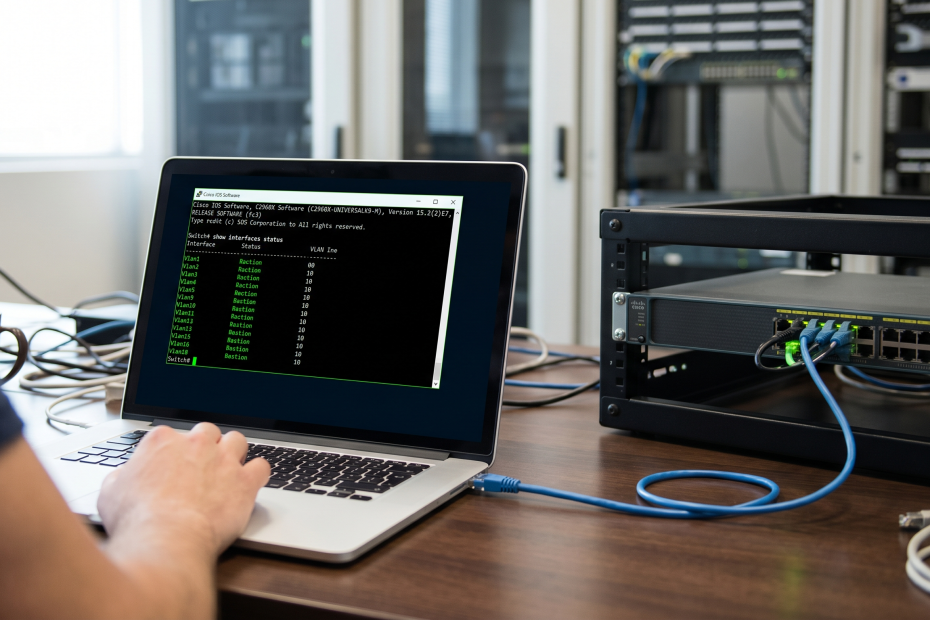
Cisco IOS
Good to know With the “?”, you see what is expected next for each command. The tab key is another lifesaver. It completes the command, if the IOS knows exactly what you want to enter,…
Good to know With the “?”, you see what is expected next for each command. The tab key is another lifesaver. It completes the command, if the IOS knows exactly what you want to enter,…
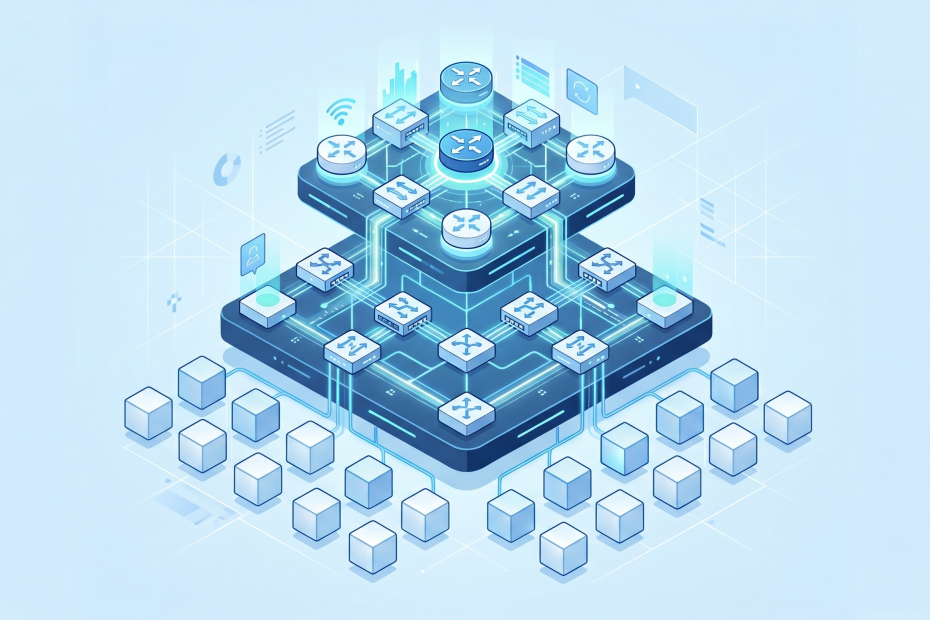
The three-tiered architecture was built by Cisco and it still holds up. The basic thing is, you have three layers and that every time. Two tiers vs. three tiers There is another architecture model which…
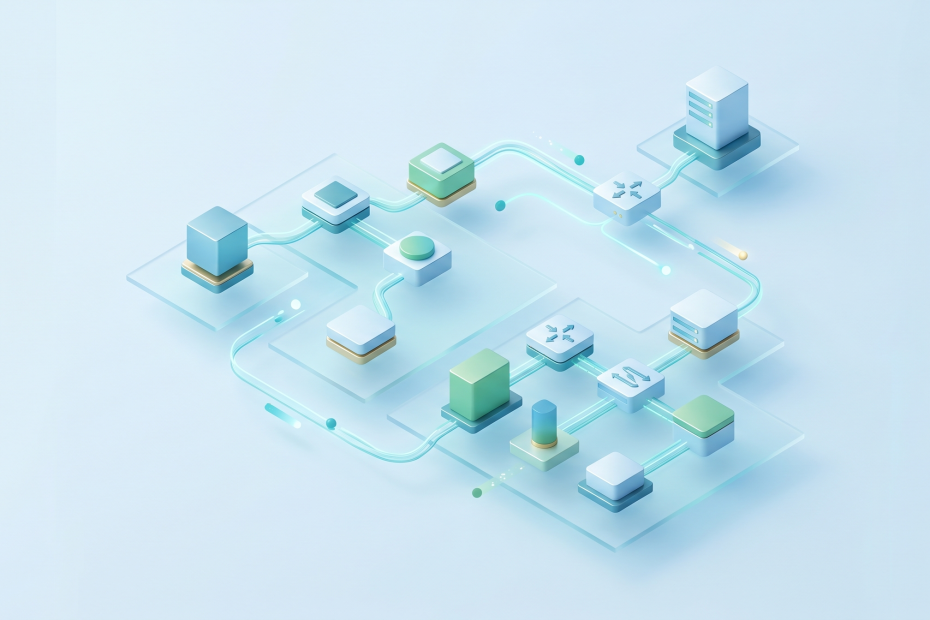
What a network diagram does A network diagram is a visual map of your environment. It shows at least the devices and how they connect, eventually the details that make those connections meaningful. So if…
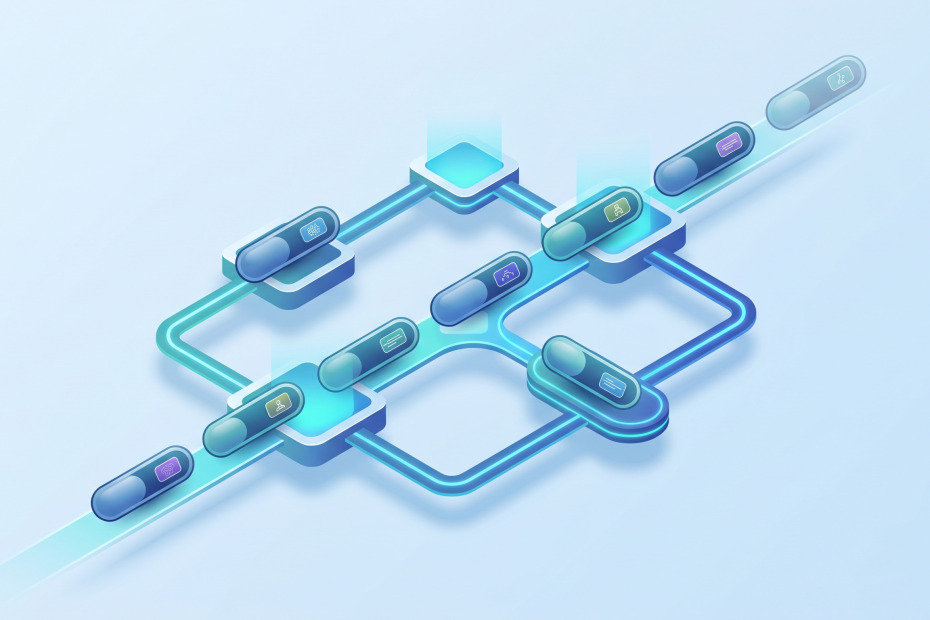
Before we dive into VLANs, routers, IP addresses and all that stuff, we have to understand how a network works, and which language a switch speaks. A MAC address (Media Access Control address) is a…
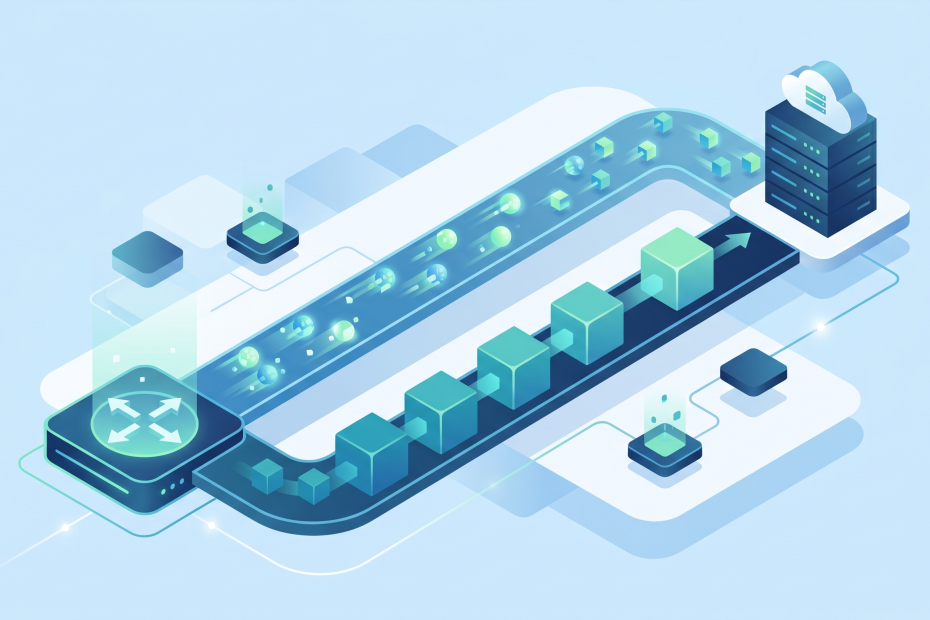
A bit is the smallest unit of data. Just a 0 or a 1. That’s a bit. A byte is 8 bits grouped together and that is where data starts becoming more human-friendly. So the…
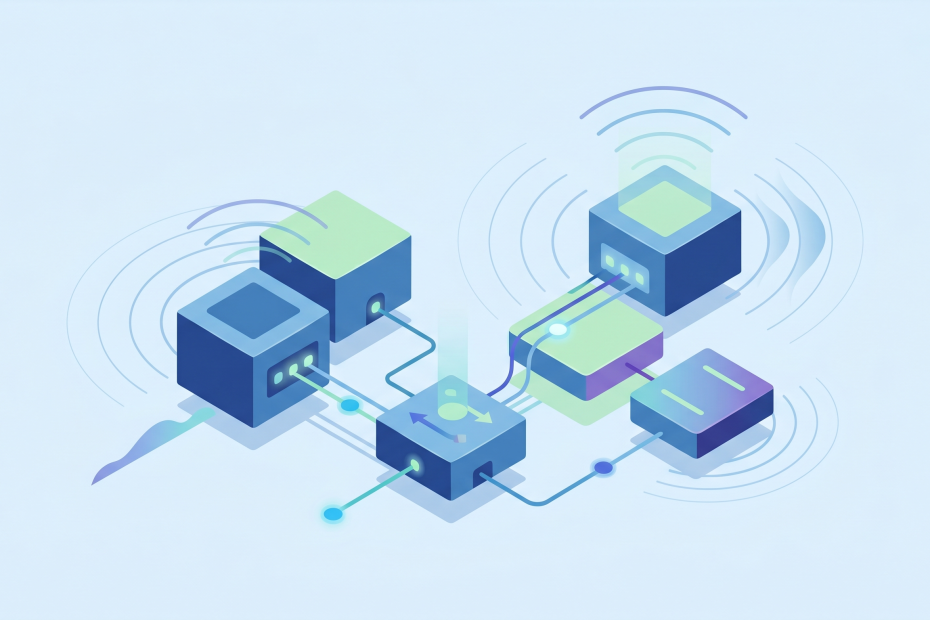
A switch is a silent worker. It sits in the rack connects wired devices with each other and just works. Now lets talk about the Aps (Access Points). At the end of the day they…
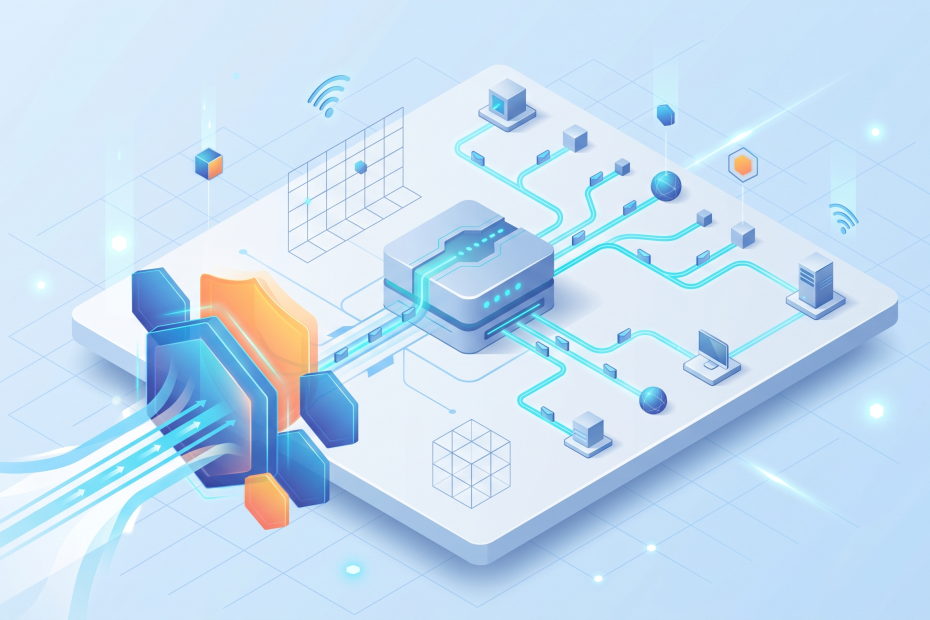
To explain the difference between those two devices, especially in our time is not always easy to answer. A router can do some security work and a firewall can do some routing work. But if…
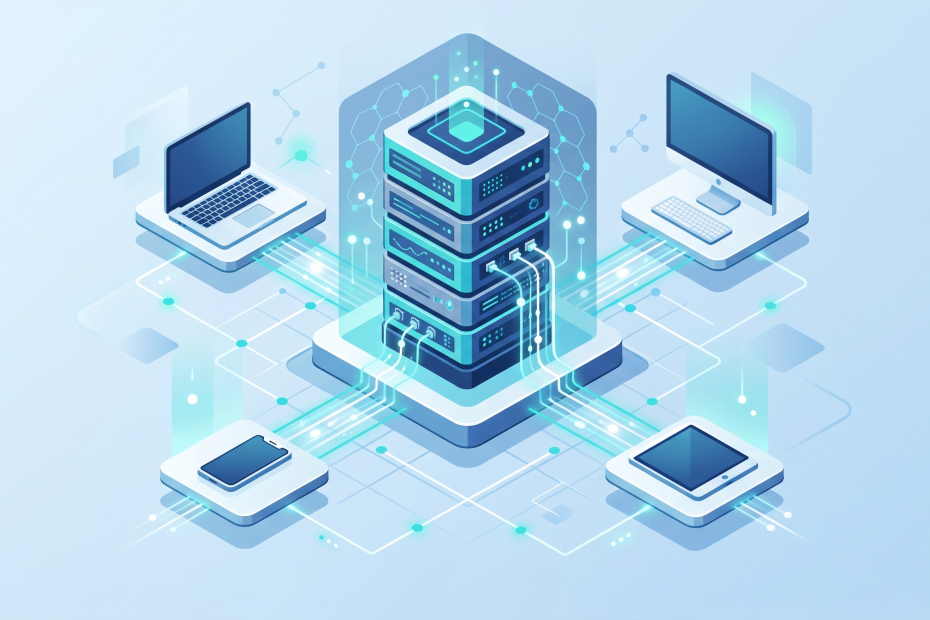
In networking terms a client is a device asking for something and a server is the device providing something. If you search for www.lenherr.ai and send this request, your computer is the client, because it’s…
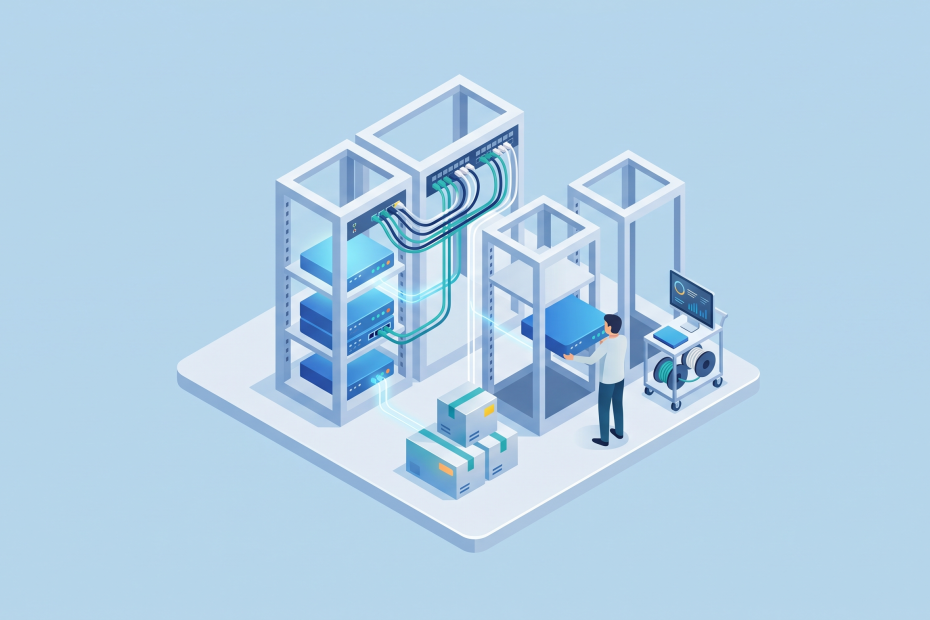
In a real-world scenario, you almost never want to buy new hardware, travel with that hardware to your customer and open the boxes there in hope you have a genius idea, which makes all the…
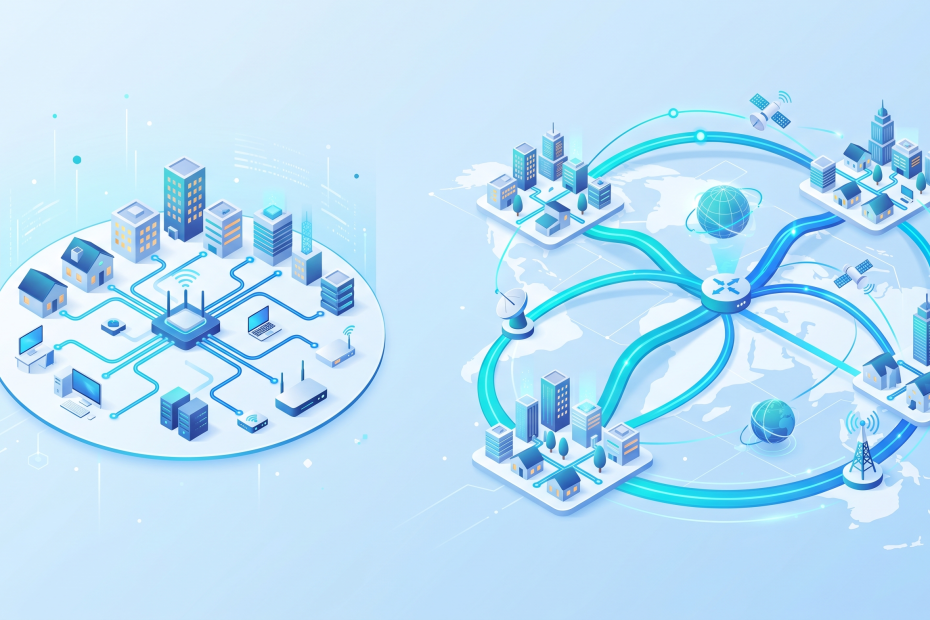
LAN (Local Area Network) is like the networking inside of your building. In this course it represents the network in our coffee shop. If devices are talking with the office PC, the TV, the WiFi…